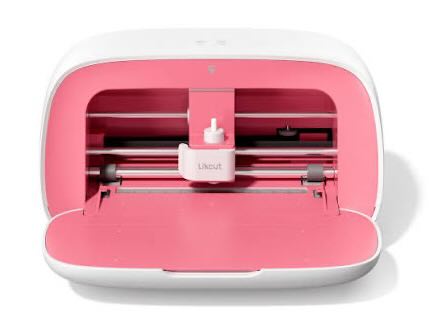
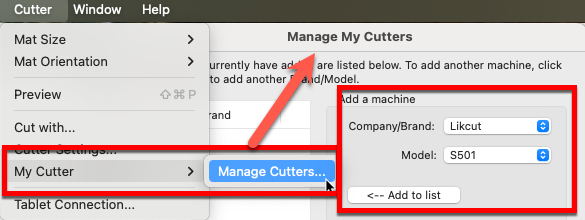
To setup Sure Cuts a Lot with the Likcut S501 cutting machine, go to the Cutter menu -> My Cutter -> Manage Cutters and add Likcut in the Manage My Cutters window. Choose Likcut as the Company/Brand and S501 as the Model.
Connect your Likcut cutting machine via USB to your computer and you are ready to cut from Sure Cuts A Lot to your Likcut S501 cutting machine.
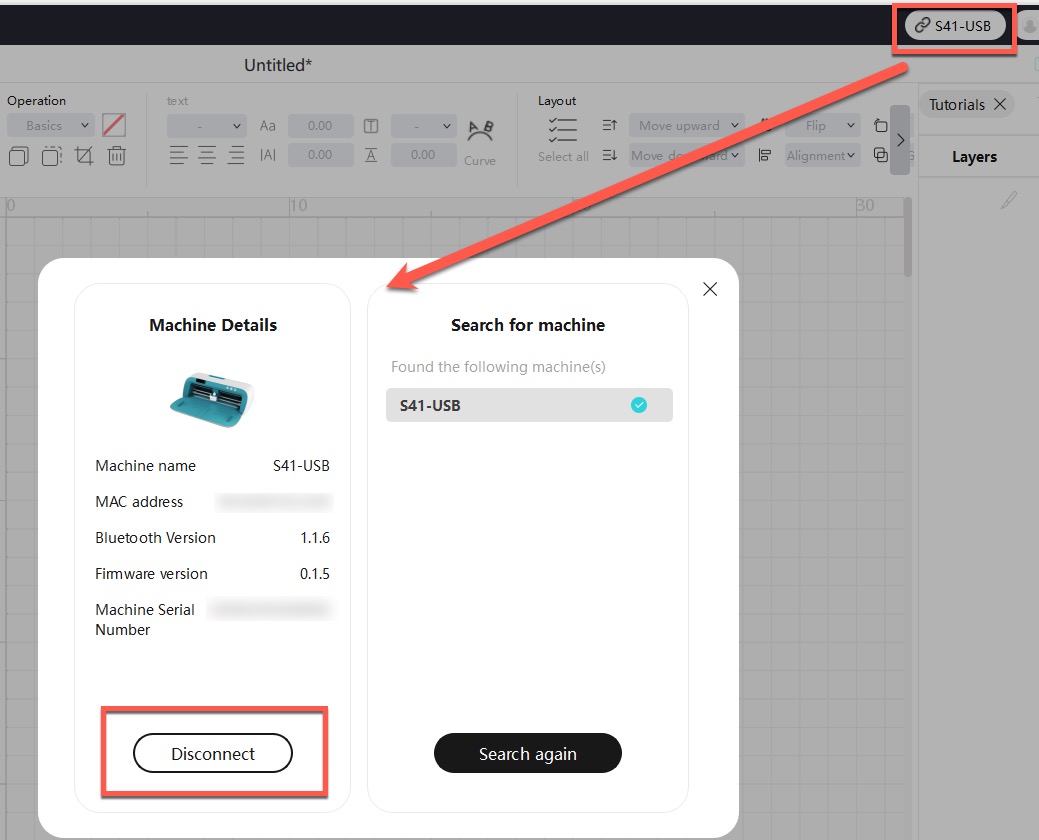
Please note, if the Likcut software is running at the same time as Sure Cuts a Lot, LikCut software may be blocking the connection from other software. So either choose to Disconnect the Likcut cutter in Likcut app, or simply close the Likcut software if it is running while using Sure Cuts a Lot.


 Cart
Cart